Use this Seed Audio 1.0 prompt guide to plan dialogue, music, ambience and sound effects. Start with a template, map your voice references, and learn what each instruction does through playable examples.
Text alone works. Keep your prompt within 2,048 characters.
02
References are optional
If needed, add one image or up to three audio clips. Do not combine them.
03
Map voices in order
For audio references, use @Audio1, @Audio2 and @Audio3 in upload order.
THE SHORT VERSION
Write in playback order.
Describe what happens first, what the listener should focus on, and how the scene ends. Keep only the voices and sound layers the scene needs.
01 / TEMPLATES
Start with a clear brief.
Copy one template and replace the brackets. Remove unused music, speakers or effects, and put spoken lines in quotation marks. Keep a written description even when adding an image or audio reference.
T2A · Text, optional image
Create a [target length] [audio format or scene] in [language].
Scene: [place, action and mood].
Voice: [speaker, vocal qualities, emotion and pace].
Say only: "[exact dialogue or narration]".
Opening: [first audible event].
Then: [dialogue and actions in playback order].
Ambience: [continuous background sounds, distance and intensity].
Music: [style, instruments, intensity, entry and ending; remove if unused].
Sound effects: [key action sounds in order; remove if unused].
Ending: [last event and a natural decay].
When speech leads, keep ambience and music below it.
Leave out: [unwanted voices, music or effects].
TA2A · Text + audio references
Use @Audio1 as the voice reference for [speaker A].
Use @Audio2 as the voice reference for [speaker B, if needed].
Create a [target length] scene in [language].
Scene: [place, action and mood].
Speaker A ([emotion, pace and pauses]): "[exact line]".
Speaker B ([delivery, if needed]): "[exact reply]".
Ambience: [continuous background sounds, distance and intensity].
Music: [style, instruments, intensity, entry and ending; remove if unused].
Sound effects: [opening, actions and ending in order].
Keep ambience and music below dialogue, and each speaker mapped to the same reference.
Remove unused speakers and reference lines. Speak only the quoted lines.
02 / PROMPT FORMULA
Four decisions before you write.
01
Scene
Set the format, place, action, language, mood and target length.
02
Voice
Name the speaker and exact lines, then describe vocal quality, emotion and pace.
03
Timeline
Start with the opening, arrange dialogue and actions, then describe the ending.
04
Layers
Separate ambience, music and key effects. Say what leads and what stays behind it.
03 / INPUT MODES
Choose what guides the sound.
Start with text when inventing a sound scene. Add audio when you already have a voice direction to reference. Both paths still need a written description of the scene and sound events.
Written brief
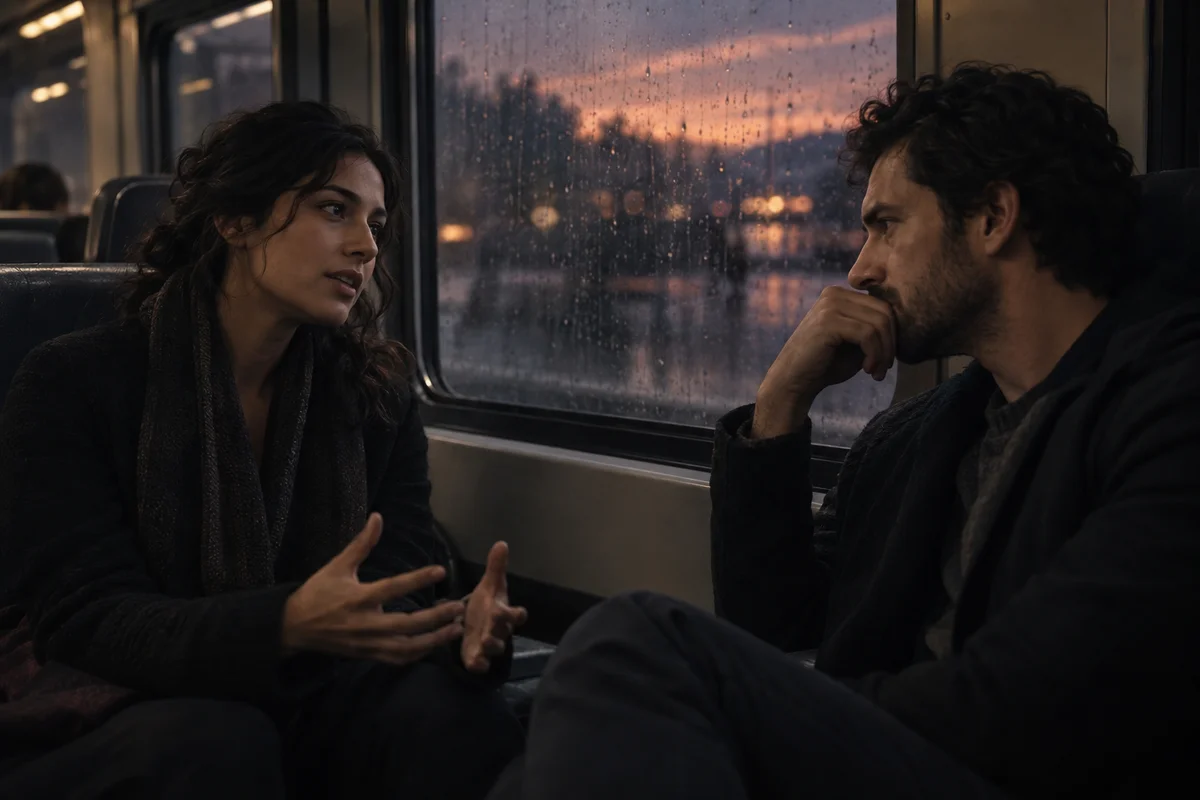
A night train. Two voices take turns, with rain behind them.
Optional: one scene image
Input planning illustration
T2A
Text, with an optional image
Choose T2A when you want the model to design the sound from your description. Text alone is enough; one image can help establish the scene. Do not add audio references when using an image.
Image-guided writing example
Use the uploaded night-train image as scene reference. Keep wheels and rain behind two passengers speaking natural English. Lia asks, "Are we nearly there?" Marco replies, "Next stop." End with a short train tail and no music.
Writing example: replace the image, speakers and lines with your own. No audio has been generated for this example.
Map voices to roles
Nora@Audio1
Ethan@Audio2
Input planning illustration
TA2A
Text with audio references
Choose TA2A when you have a target voice or want a consistent voice for each speaker. Map every clip to a role, then describe the lines, emotion and turn-taking in text.
Choosing reference clips
Prefer clips where the target voice is clear and background interference is low. In upload order, map Nora to @Audio1 and Ethan to @Audio2, then give each their lines.
Listen to the references and check the role mapping. Describe changes to emotion and pace in the prompt.
Prepare reference clips no longer than 30 seconds and no larger than 10 MB each. Use material you own or have permission to use.
04 / VOICE CHECKLIST
Give each speaker a direction.
VOICE DIRECTIONHear the character. Then describe the voice.
Vocal qualityEmotionPace
✓
Role
Who is speaking, and how do they relate to the scene?
✓
Vocal quality
Choose useful traits such as warm, bright, breathy or low.
✓
Language
Name the language and any accent the scene needs.
✓
Emotion
Start with one controlled cue, then listen.
✓
Pace
Describe natural turn-taking, pauses and emphasis.
✓
Performance
Add a breath, laugh or whisper only where it belongs.
Combine the directions into one sentence
An adult narrator with a warm, slightly low voice speaks natural English at a moderate pace, with calm delivery, easy pauses between sentences and light emphasis on key phrases.
05 / LAYER TIMELINE
Place every sound in the scene.
Use The First Sip to see the order: the can opens, ice and fizz establish the product, speech arrives, then the music resolves. Times below come from the original prompt and are targets, not guaranteed edit points.
THE FIRST SIPThe First Sip00:00 — 00:12
0–2s
Opening
Can opening, ice and pouring.
2–8s
Speech
A short, clear product line.
1–12s
Music underneath
An upbeat groove stays below the voice.
By 12s
Ending
Bubbles and music resolve together.
Opening
Speech
Music underneath
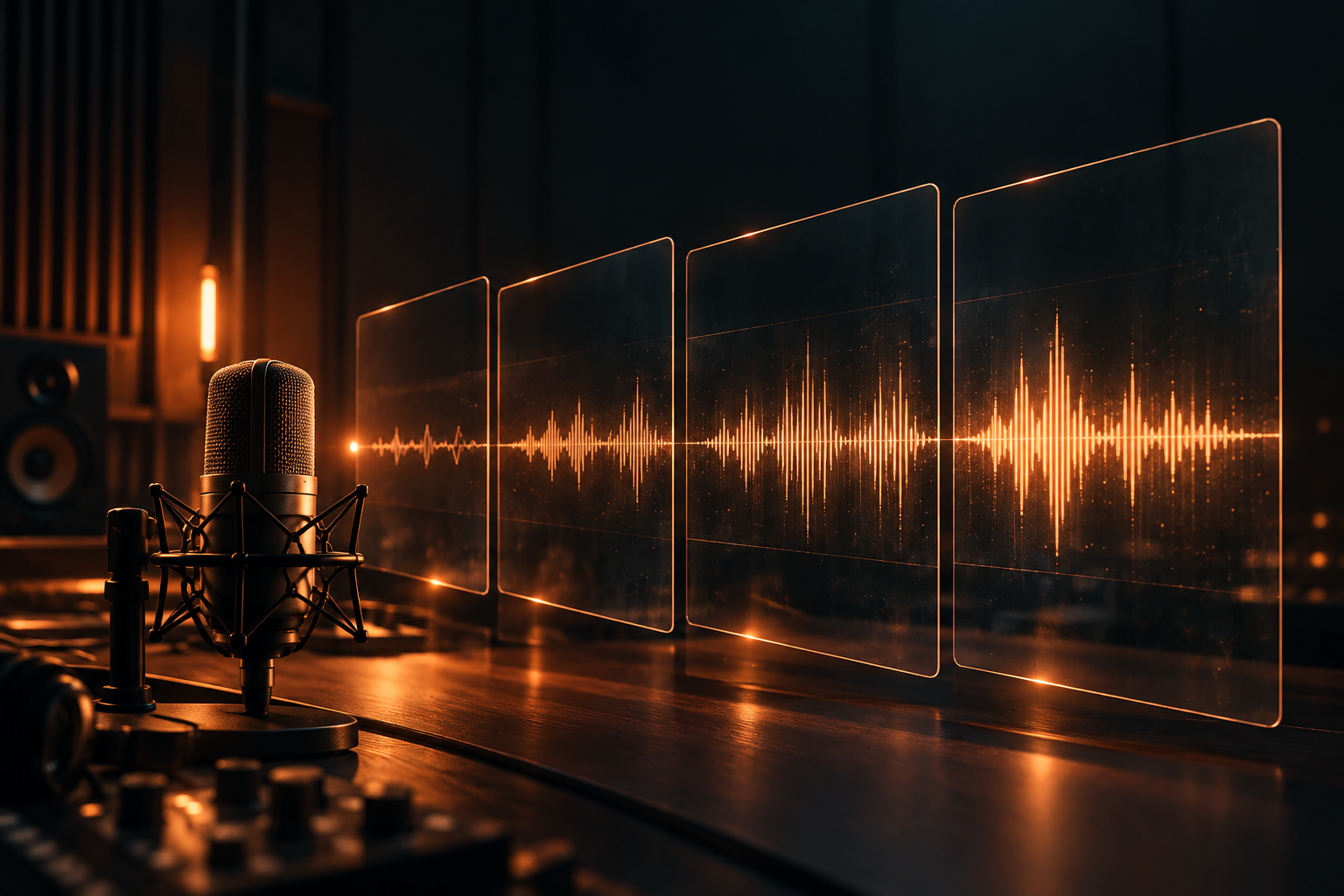
Sound planning diagram · the result is one mixed audio track.
06 / ORIGINAL EXAMPLES
Learn from the original prompts.
Listen to three scenes and see how prompts arrange dialogue, product sounds and voice references. Each includes audio, the full submitted prompt and key instructions you can adapt to your own scene.
01 / T2A
The Last Train
What to listen for Compare the Italian and Chinese versions. Listen for natural turn-taking and where the wheels and rain sit behind the voices.
The Last Train · Italian
0:00 / 0:00
How the key instructions work
Soft continuous wheels and rain behind close, clear voices. Sets the listening priority. Swap rain for café ambience while keeping speech in front.
no dramatic pauses or drawn-out words Directs the pace and turn-taking. Replace this with a calmer or more hesitant delivery when the scene needs it.
Speak only the quoted lines. Separates spoken words from scene directions. Replace the dialogue inside the quotation marks.
02 / T2A
The First Sip
What to listen for Listen to the opening can and ice sounds, when the voice arrives, and how the bubbles and music finish.
The First Sip
0:00 / 0:00
How the key instructions work
a crisp aluminum pull-tab snap Names a distinct opening sound. Swap it for packaging, a button press or another key action.
stays underneath the voice Places music behind the narration. Change the musical style while keeping speech in front.
Let the bubbles and music resolve together Explains how the scene should finish. Substitute your own final sound and its ending.
03 / TA2A
Sixteen Seconds to Escape
What to listen for Listen to Nora and Ethan first, then compare the generated scene. Follow the voice mapping and the action sounds around their lines.
@Audio1 · Input reference
Nora
0:00 / 0:00
@Audio2 · Input reference
Ethan
0:00 / 0:00
Generated audio
Sixteen Seconds to Escape
0:00 / 0:00
How the key instructions work
voiced by @Audio1 Maps Nora to the first reference; Ethan follows @Audio2. Change the names while keeping the upload order consistent.
A lever clunks. The engine catches with a rising powerful roar. Sequences action sounds. When replacing actions, say where each sound belongs around the dialogue.
The alarm stops; a smooth engine hum replaces the shaking hull Uses a sound change to resolve the scene. Swap the background sounds and say what stops and what replaces it.
07 / COMMON MISTAKES
If the mix feels crowded, simplify.
01
Too many competing layers
Keep one ambience bed and a small number of events that help the scene.
02
Unmapped references
Tell the model which role follows each @Audio reference.
03
A pile of keywords
Vague: "Rain, train, cinematic." Clearer: "Start with wheels and rain, let two passengers take turns speaking, then finish with a short carriage ambience tail."
04
Conflicting delivery cues
Choose one main emotion and a clear pace for each speaker.
05
Treating duration as exact
Listen to the result and leave room for trimming in your edit.
06
Names instead of voice direction
Describe a role and vocal qualities; use voice references with permission.
NEXT SCENE
Start your next scene with a template.
Copy a template, replace the scene and dialogue, then paste it into the generator. After listening, change one detail at a time and compare the speech, background and ending.