Add a voiceover to your product demo
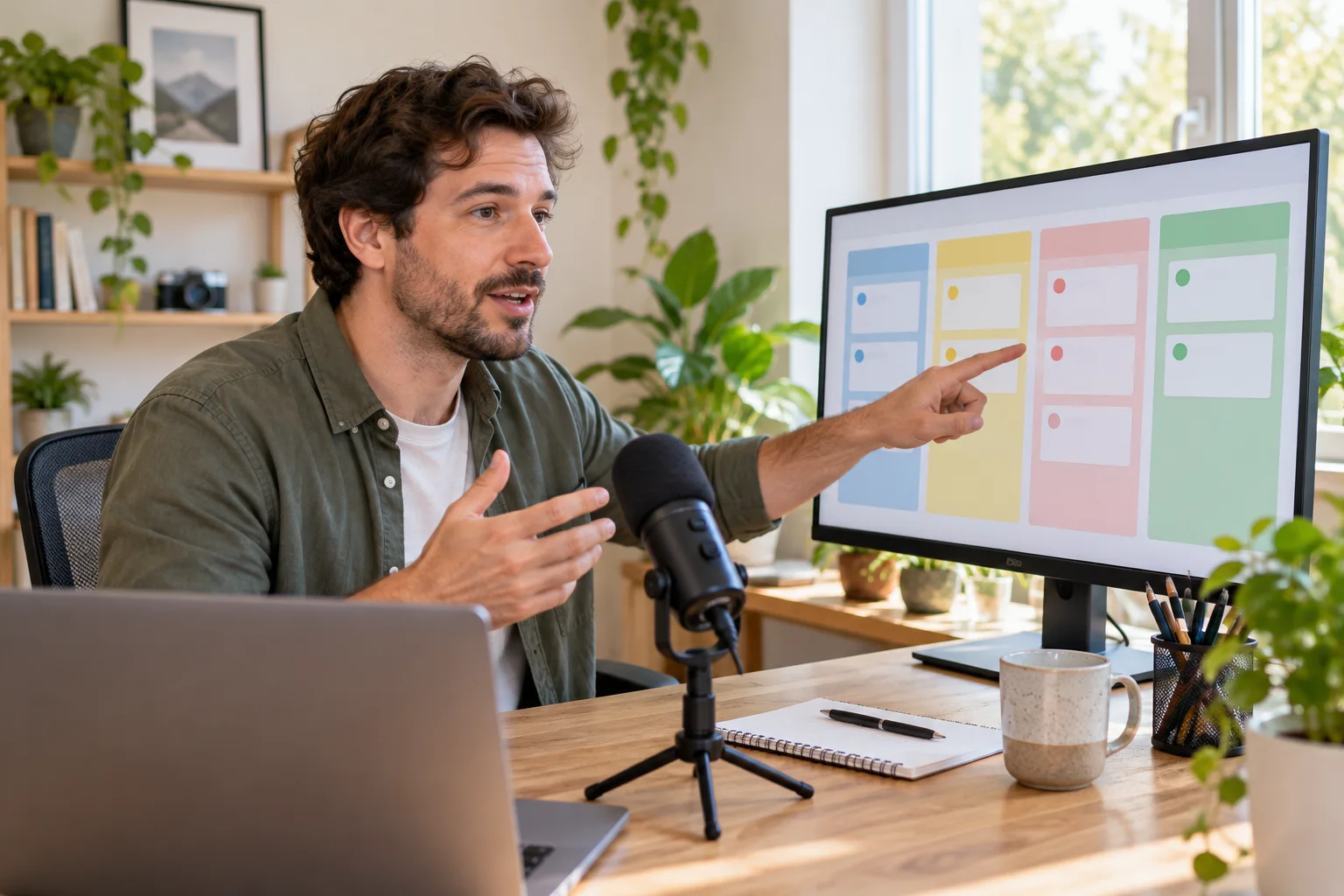
Turn a short walkthrough script into a clear narration you can add to a screen recording.
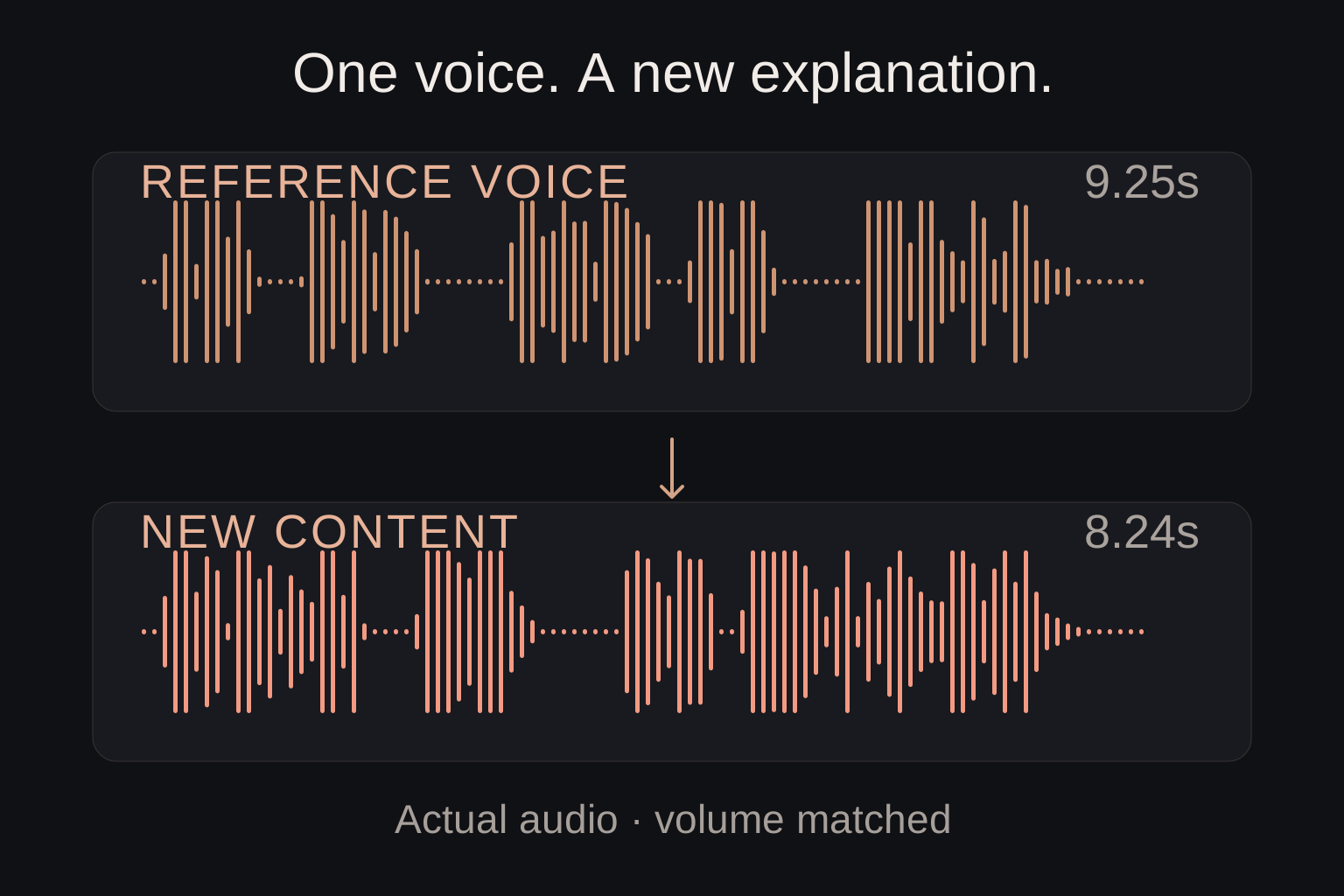
Example · volume and clip boundaries adjusted · English voice
- What you need
- A short script and the screen recording you want to explain. Use the script as the audio input; keep the video in your editor.
How to make it
- Write one complete operation. This example creates a project, adds a task, sets a due date and teammate, then opens the board.
- Replace the quoted words in the prompt. Describe one narrator and a natural pace; use a clean voice without music for a clear walkthrough.
- Generate and check every word. Download the narration, then place it beside the matching actions in your video editor.
Check the result
- The whole instruction is spoken, including the final word.
- Each spoken action matches what the viewer sees.
- The first word is easy to catch and the ending has room to finish.
Make it yours
Change the quoted script and narrator description. If the video is shorter than the narration, shorten the script or adjust the edit before increasing the speaking speed.
Actual generation promptSample settings: MP3 · 24 kHz · speed 1× · volume 1×
Add a voiceover to your product demo
A friendly adult male American narrator gives a concise product walkthrough, about ten seconds. Speak the following as one fluent paragraph at a normal conversational pace, with just a short natural sentence break: "Create a project, add your first task, then choose a due date and a teammate. Open the board to track your progress." Clean, close voice only; no music or sound effects.